Back to Blog
Technology
Best USB-C Fast Charging Adapters in 2026
Full Review + Buying Guide for Phones, Tablets & Laptops
By Admin
Jan 14, 2026
7 views
Introduction
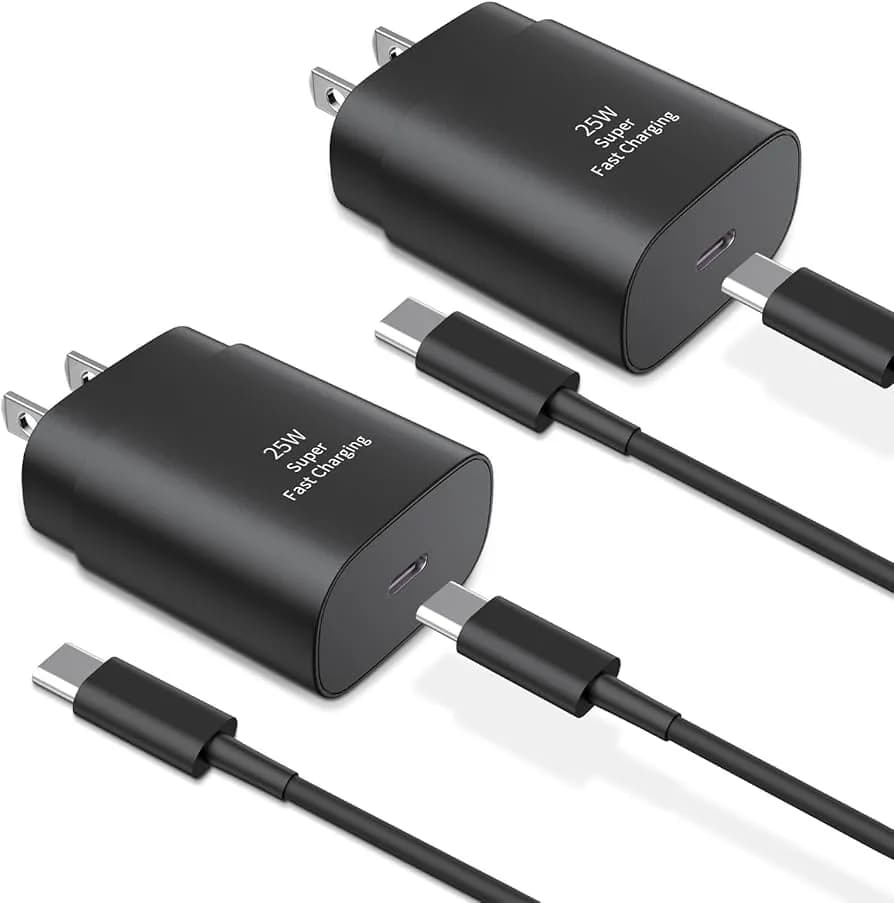
In 2026, USB-C fast charging adapters have become essential tech accessories. From phones to tablets and laptops, nearly all devices now support USB Power Delivery (PD) and other fast charging standards. But not all adapters are the same. This article explores the best USB-C fast charging adapters, what features to look for, and how to choose the right one for your devices.What Is a USB-C Fast Charging Adapter?
A USB-C fast charging adapter is a wall charger that uses the USB-C port and supports fast charging technologies like: Power Delivery (PD) Quick Charge (QC) Programmable Power Supply (PPS) These standards allow your device to charge much faster than regular USB chargers.
Why USB-C Fast Charging Matters
Charges devices up to 3x faster Improves battery life with smart power delivery Works with multiple devices (phone, tablet, laptop) Reduces time waiting for full chargeTop USB-C Fast Charging Adapter Types
1️⃣ 30W USB-C Fast Charger Best for: Phones (Android / iPhone with USB-C cable) Small tablets Why buy: Affordable, fast enough for everyday devices Ideal for: Students, commuters2️⃣ 45W USB-C Fast Charger
Best for: .Bigger phones .Medium tablets Why buy: Balanced power for phones + tablets without overheating Ideal for: iPad users, multi-device users3️⃣ 65W USB-C Fast Charger
Best for: .Phones .Tablets .Small laptops (MacBook Air, ultrabooks) Why buy: Laptop-level charging in a small wall charger Ideal for: Professionals, travelers
4️⃣ Multi-Port USB-C + USB-A Chargers
Best for: Charging phone + earbuds + tablet together Why buy: Convenience with multiple ports Ideal for: Families or multi-device users USB-C Charging Standards Explained Power Delivery (PD) Most universal fast charging tech Used by iPhones, Androids, tablets Adjusts voltage/speed smartly Quick Charge (QC) Common in many Android phones (Snapdragon) Fast and efficient PPS (Programmable Power Supply) Optimizes charging speed and heat Better for Samsung / newer devicesReal Performance (What to Expect)
Adapter Best For Estimated Charge Speed 30W USB-C Phones/Tablets 0–50% in ~30 mins 45W USB-C Bigger devices Faster + safer 65W USB-C Laptops + phones Laptop charge support Multi-port Many devices Simultaneous chargingReal speed varies with device model and cable quality.
Key Features to Look For .USB-C Power Delivery support .High build quality (fire retardant) .Foldable plug (travel friendly) .Digital display (optional) .Smart IC chip (device detection)Safety and Protection
Good fast chargers include: .Over-current protection .Over-voltage protection .Over-temperature protection .Short-circuit protection These help protect both your device and adapter.
Pros & Cons
Pros .Fast charging saves time .Can charge phones, tablets, laptops .Compact and travel-friendly .Multi-port options Cons .Cheap adapters may overheat .Not all phones use full power .Cable quality mattersWho Should Buy a USB-C Fast Charger?
Anyone with a USB-C phone .Tablet users .Laptop users with PD support .People who travel often .Families with many devicesFinal Verdict
USB-C fast charging adapters are no longer a luxury—they are everyday essentials. From fast phone charging to powering laptops, a good USB-C charger improves your tech life significantly. Choosing the right power level and quality ensures fast, safe, and reliable charging.Frequently Asked Questions
Comments (0)
No comments yet.
Leave a comment
Related Articles
View all stories
Technology•Jan 19, 2026
Hostinger vs Bluehost (2026)
This comparison explains the differences between Hostinger and Bluehost in pricing, performance, WordPress support, and usability. Both are beginner-friendly, but Hostinger offers better pricing while Bluehost provides stronger WordPress integration.

Technology•Jan 17, 2026
Bluehost Review 2026
This Bluehost review explains its features, performance, pricing, and suitability for beginners. Bluehost is a good hosting option for starting blogs, affiliate websites, and small business sites with ease.
Technology•Jan 12, 2026
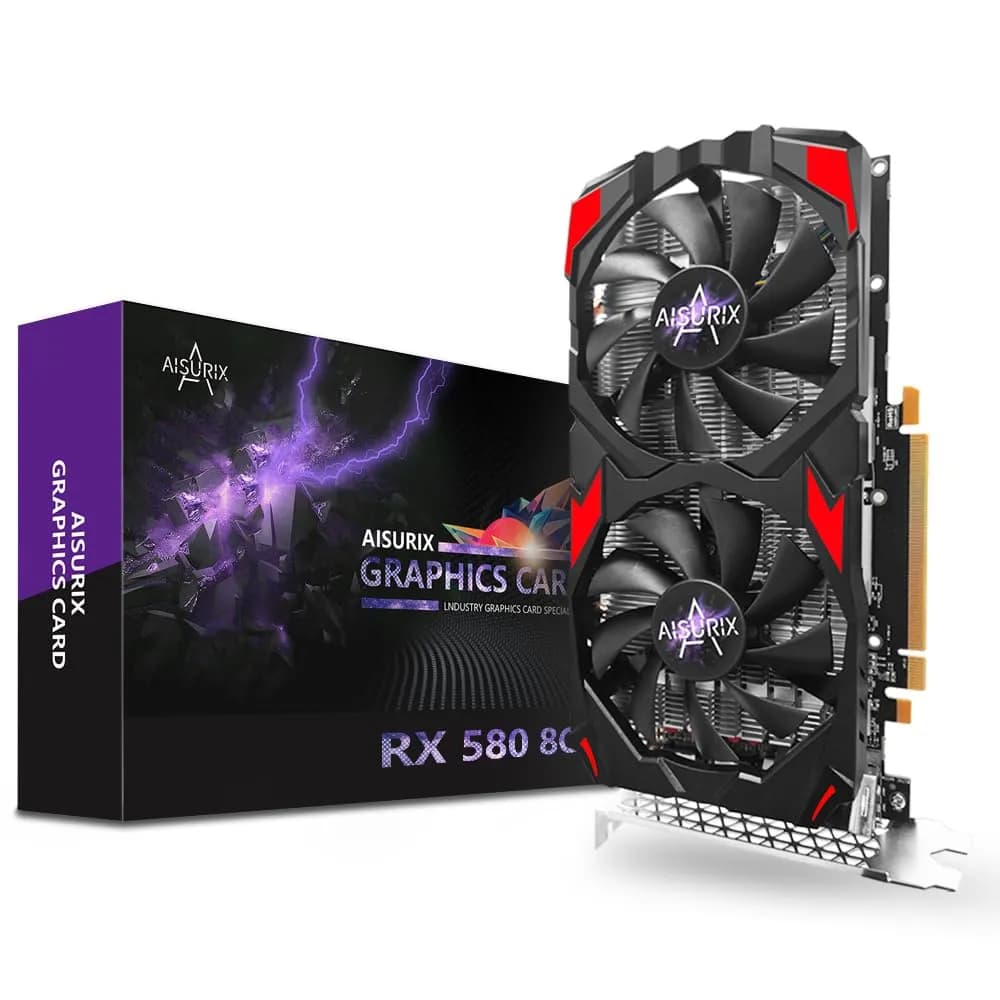
Best Graphics Cards Under $50–$90
This article reviews the best graphics cards available in the $50–$90 price range. It covers real-world performance, buying tips, and recommendations for budget gamers and PC users looking to upgrade affordably.